Follow a night
Switch between networks, choose a night and narrow the grid to the stations you want to follow. New captures appear as the feeds update.
Follow the captures coming in from CEMeNt, SSOVMO and SMRST. Explore a night, keep a favourite and see how the stations are doing.
 CEMeNt Live
Browser feeds · Native app for iOS & Android
Join the Android beta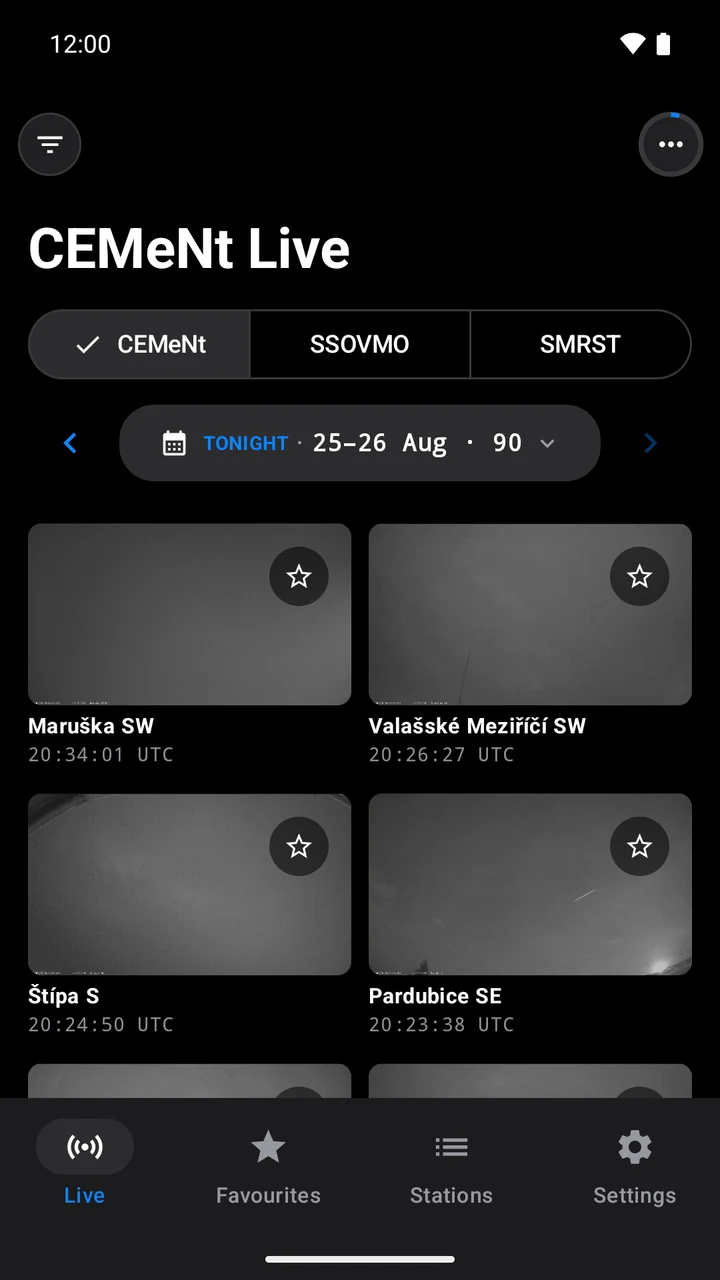
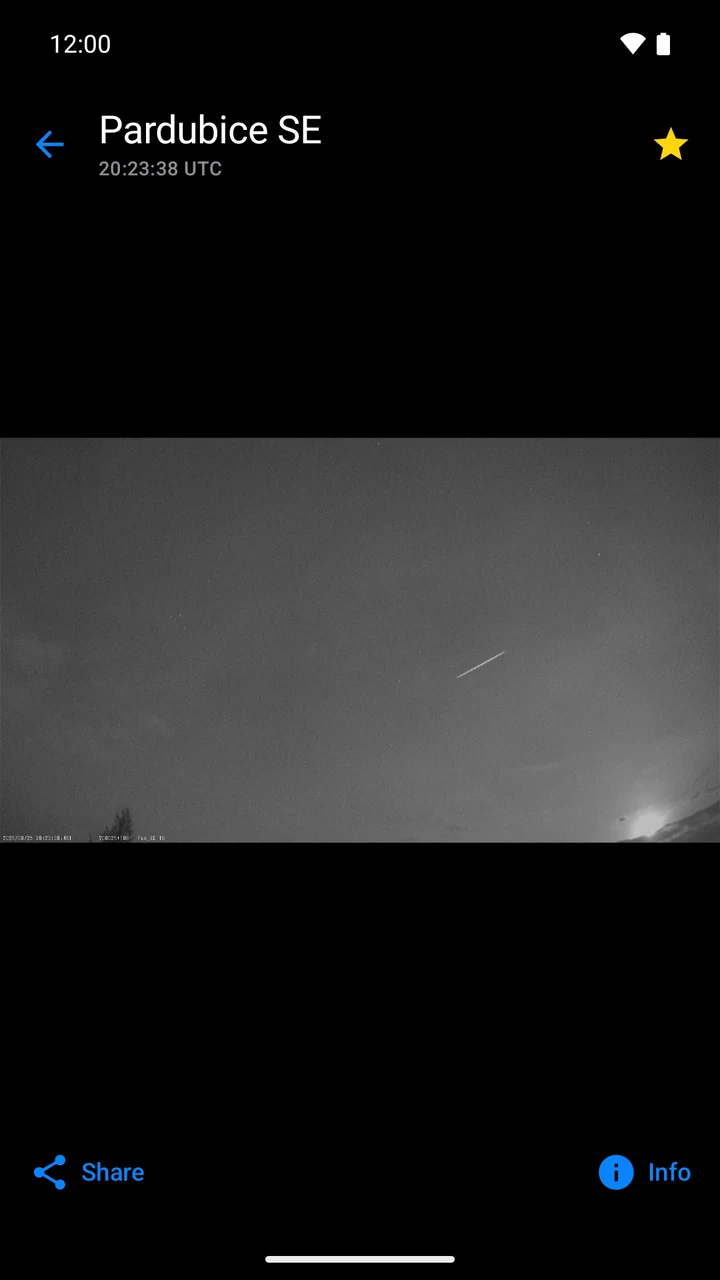
Switch between networks, choose a night and narrow the grid to the stations you want to follow. New captures appear as the feeds update.
In the mobile app, zoom into a capture, share it or add it to Favourites. Saved thumbnails stay available offline.
See station health and camera status alongside the observations. Dark red mode and a keep-awake setting support use during an observing session.
Take a look inside the Android app. These are real captures from the network.
Open live feeds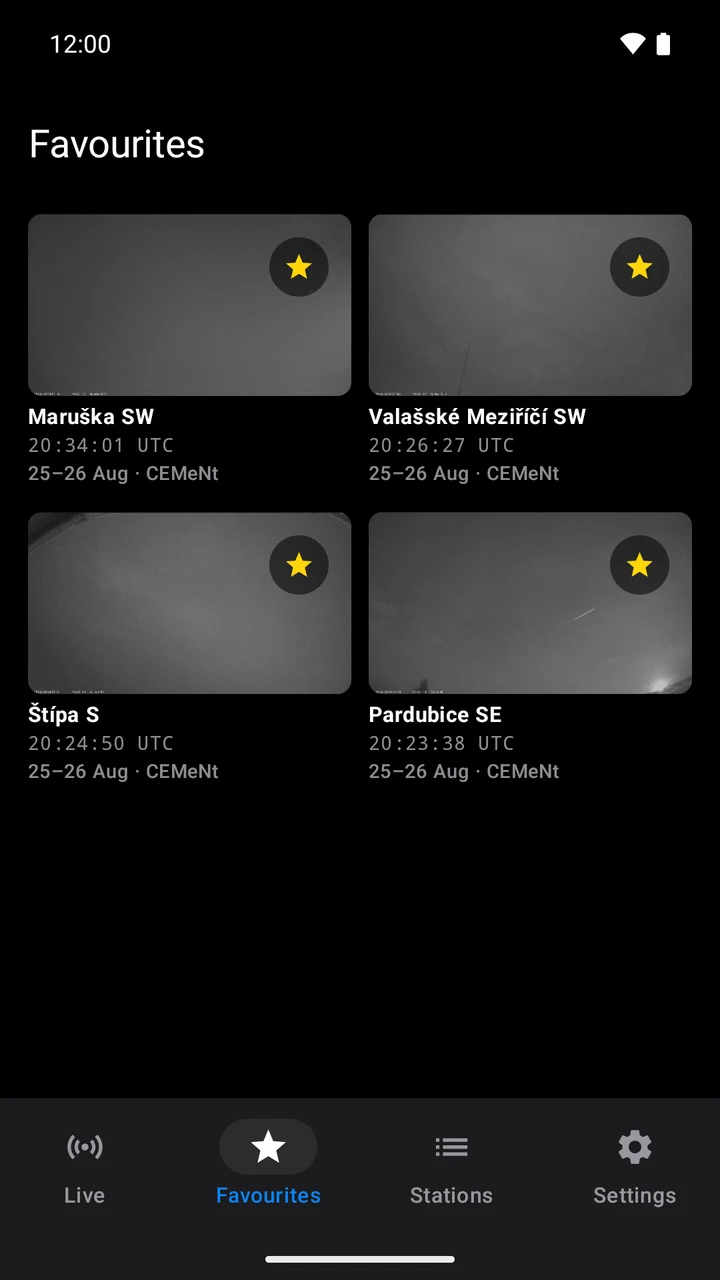
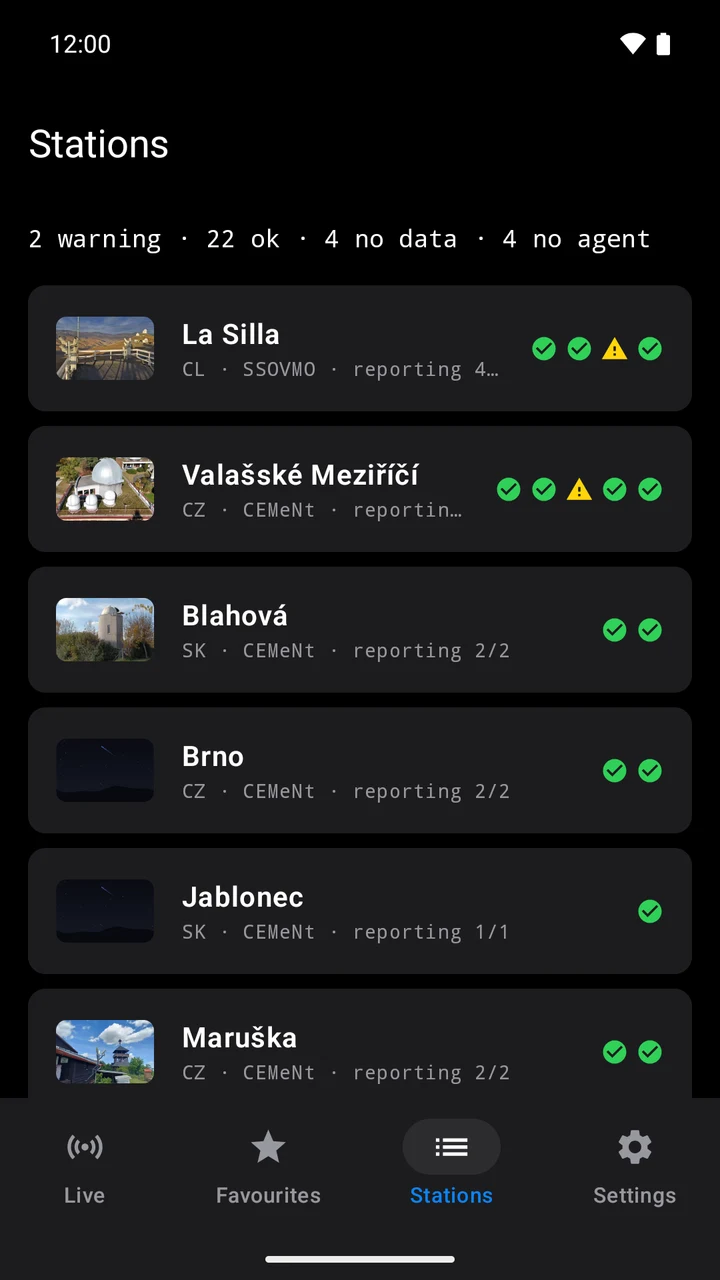
Android app screenshots · 25–26 August 2026
Start with CEMeNt, southern-sky SSOVMO or the SMRST radio observations.
Open the latest observing night or return to an earlier one available in the feed.
Filter by station and open a frame to inspect it in detail.
The feeds show recorded captures as stations upload them. CEMeNt and SSOVMO provide camera images; SMRST provides radio meteor observations. This is not continuous live video.
Yes. The browser feeds are free to open without an account. Favourites, dark red mode and keep-awake settings described here belong to the native mobile app.
The mobile app keeps favourite thumbnails on your device. Loading new captures, full-resolution images and current station status requires an internet connection.
The native app interface is in English. The website’s live feeds are available in English and Czech.
CEMeNt Live for iOS and Android. Choose your platform.
App Store
Download link coming soonWe’ll add the download links here. In the meantime, you can get started in your browser. Open live feeds
Developed by Richard Kacerek for CEMeNt.